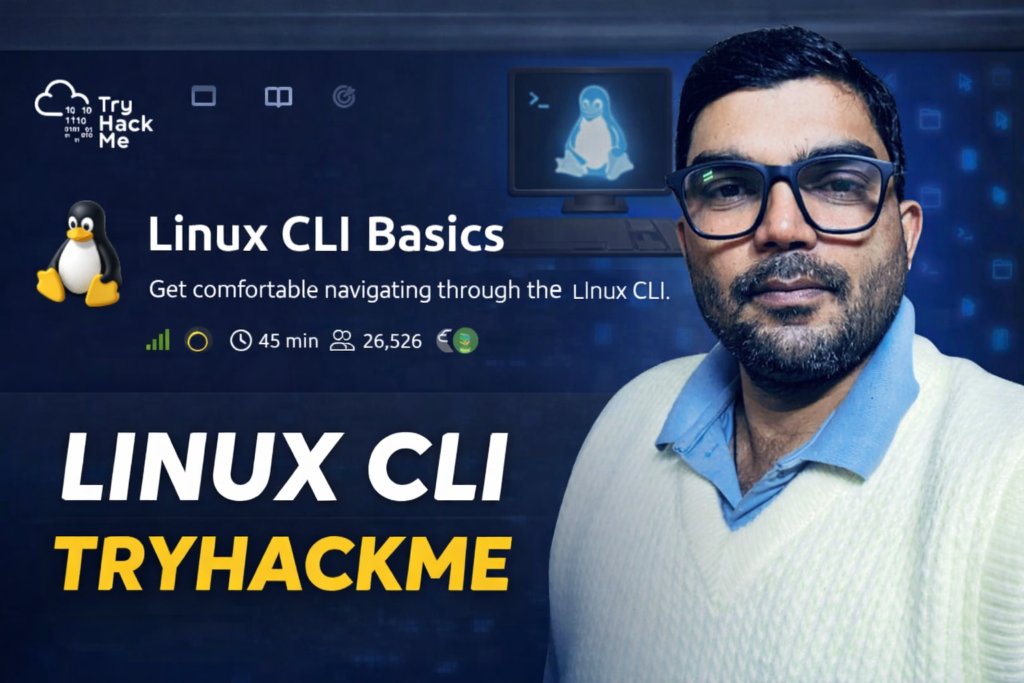
Linux CLI-tryhackme -🐧 Linux Basic Commands
📌 Important Linux Commands
📍 1. Current Location Check (PWD)
👉 Command:
me help karti hain.
👉 Ye batata hai ki aap current system me kis directory me ho.
📂 2. List Files (LS)
👉 Command:
👉 Current directory me available files aur folders show karta hai.
📄 3. Detailed List (LS -L)
👉 Command:
👉 Files ka detail info deta hai (permissions, size, date).
🔍 4. Hidden Files (LS -AL)
👉 Command:
👉 Hidden files bhi show karta hai.
🔁 5. Change Directory (CD)
👉 Command:
👉 Directory change karne ke liye use hota hai.
🔎 6. Find File (FIND)
👉 Command:
👉 System me kisi file ka path find karta hai.
📖 7. Read File (CAT)
👉 Command:
👉 File ke andar ka content show karta hai.
👤 8. Current User (WHOAMI)
👉 Command:
👉 Batata hai ki aap kis user se login ho.
💻 9. System Info (UNAME)
👉 Command:
👉 System aur kernel ki information deta hai.
💾 10. Disk Space (DF -H)
👉 Command:
👉 Disk usage human readable format me show karta hai.
❓ Important Questions & Answers
👉 CLI ka full form kya hai?
✔ Command Line Interface
👉 mission_brief.txt file ka full path kya hai?
👉 mission_brief.txt file me kya flag mila?
✔ MISSION-FOUND
👉 whoami command ka output kya hai?
✔ ubuntu
👉 uname -a se kernel version kya mila?
✔ 6.14.0-1018-aws
👉 df -h me free disk space kitna hai?
✔ 58G
👉 day1_report.txt me kya message hai?
✔ END-OF-DAY1
🎯 Conclusion
Linux commands seekhna cyber security aur ethical hacking ka first step hai. Agar aap beginner ho, to in commands ko daily practice karo.