
7
🔥 Introduction
Agar aap Cyber Security ya Ethical Hacking start kar rahe ho, to networking samajhna bahut zaroori hai.
Network chhota bhi ho sakta hai (home WiFi) aur bada bhi (company network).
Isi ko manage karne ke liye use hota hai:
👉 Subnetting + ARP + DHCP
Aaj hum ye sab simple Hinglish me samjhenge 👇
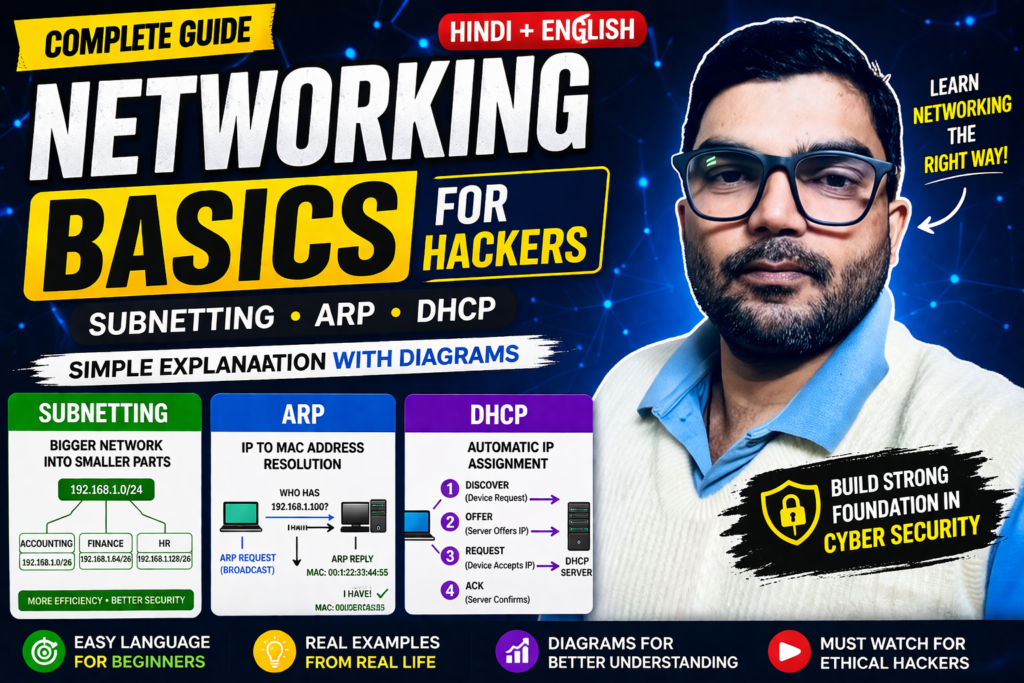
🍰 1. Subnetting kya hota hai?
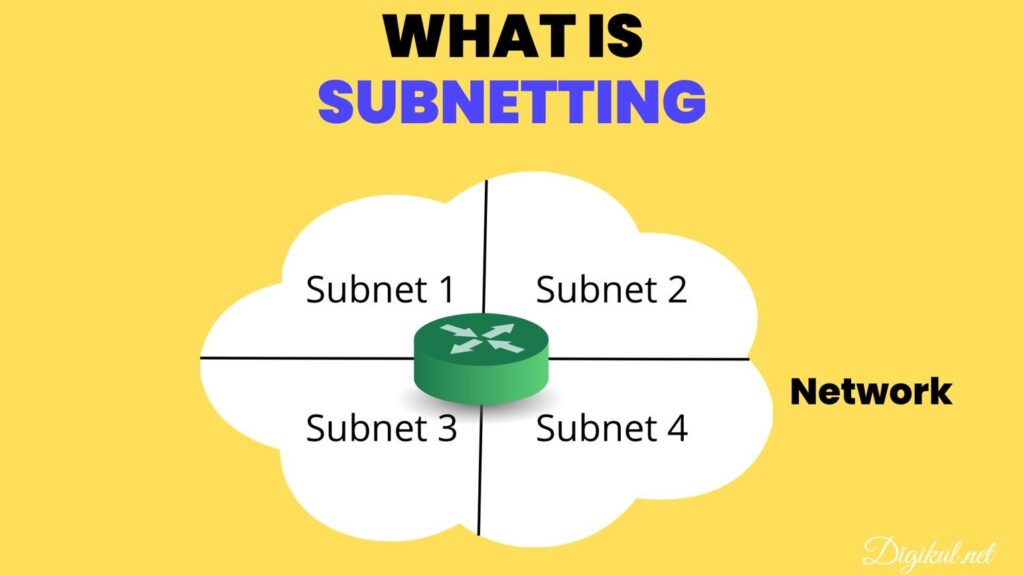
Subnetting ka matlab hai:
👉 Ek bade network ko chhote-chhote networks me divide karna
💡 Example:
Socho ek cake hai 🎂
Sabko ek piece chahiye → aap cake ko slice karte ho
👉 Yehi subnetting hai!
🏢 Real Life Example (Office Network)
Ek company me alag-alag departments hote hain:
- Accounting
- Finance
- HR
👉 Har department ka alag network ho sakta hai
👉 Isse data safe aur organized rehta hai
🧠 Subnetting ka use kyu hota hai?
✔ Efficiency (network fast hota hai)
✔ Security (alag networks isolate hote hain)
✔ Control (admin manage kar sakta hai)
🌐 IP Address & Subnet Mask
IP Address = 4 parts (octets)
👉 Example:
192.168.1.100
Subnet Mask bhi same format me hota hai:
255.255.255.0
📊 3 Important Network Terms
🔹 1. Network Address
👉 Network ka starting point
Example:
192.168.1.0
🔹 2. Host Address
👉 Device ka IP
Example:
192.168.1.100
🔹 3. Default Gateway
👉 Dusre network me data bhejne ke liye
Example:
192.168.1.254
☕ Real Life Example (Cafe WiFi)
Ek cafe me 2 networks hote hain:
- Staff Network
- Public WiFi
👉 Subnetting se dono alag rehte hain
👉 Security bhi maintain hoti hai
📡 2. ARP kya hota hai?
👉 Full form: Address Resolution Protocol
🤔 ARP ka kaam kya hai?
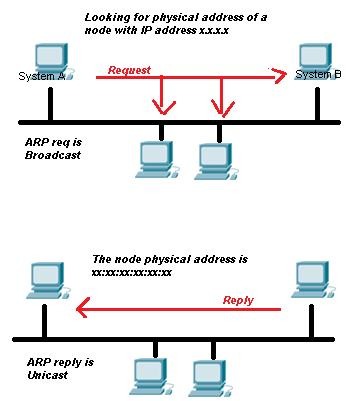
ARP help karta hai:
👉 IP Address → MAC Address find karne me
🔁 ARP kaise kaam karta hai?
2 steps me:
📢 ARP Request
Network me broadcast:
“Is IP ka MAC address kaun sa hai?”
📩 ARP Reply
Jo device match karta hai wo reply karta hai:
“Ye mera MAC address hai”
💾 ARP Cache
👉 Device ye info store kar leta hai future ke liye
⚡ 3. DHCP kya hota hai?
👉 Full form: Dynamic Host Configuration Protocol
🎯 DHCP ka kaam
👉 Automatically IP assign karna
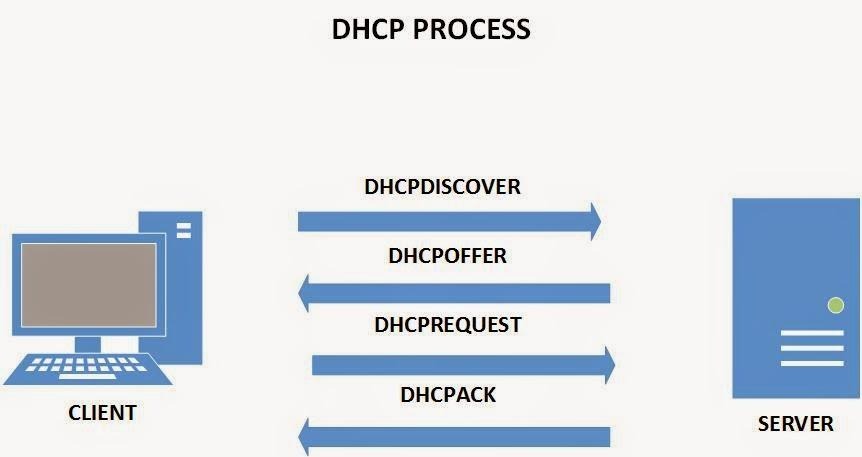
🔄 DHCP Process (4 Steps)
- DHCP Discover → Device request bhejta hai
- DHCP Offer → Server IP deta hai
- DHCP Request → Device accept karta hai
- DHCP ACK → Final confirmation
🧠 Extra Knowledge (Topology + Devices)
📄 Aapke notes me ye bhi important hai:
👉 Star Topology
- Center device (Switch)
- Fast & reliable
👉 Bus Topology
- Single cable
- Cheap but slow
👉 Ring Topology
- Loop structure
- Fault me pura network down ❌
👉 Switch
- Data correct device ko bhejta hai
👉 Router
- Different networks ko connect karta hai
📌 Source reference:
🎯 Final Summary
✔ Subnetting = Network ko divide karna
✔ ARP = IP → MAC mapping
✔ DHCP = Automatic IP assign
👉 Ye tino concepts Cyber Security ke base hain